What is new in ChatGPT Images 2.5?
OpenAI announced ChatGPT Images 2.5 on September 8, 2026. The company reports better reference fidelity, targeted editing and consistency across revisions, with generation latency reduced by up to 50 percent compared with Images 2.0. The rollout covers ChatGPT, ChatGPT Work and Codex.
Our assessment: marketing teams should focus on whether an approved image survives the next revision. A new background is of little value if the packaging, face or composition changes with it. Make preservation a specific acceptance criterion in your trial. The vendor’s speed figure is not a measured time saving for your complete workflow.
Templates, Sketch and comments: how to get started
OpenAI documents three starting points: choose a preset under Images → Templates; on mobile, type @, select Sketch and add a description to your drawing; or open a generated image full-screen on mobile to edit it or add comments. Templates are not yet available in Work mode. The release notes say existing image-generation limits are unchanged.
For a first trial, we recommend one approved image and exactly one requested change. Record which details must remain intact before starting. A rough layout sketch is useful when composition and empty space for copy matter more than a long style description. Check the controls on the actual product surface your team will use.
Flare or Sunburst: which API model fits?
The API model IDs are gpt-image-2.5-flare and gpt-image-2.5-sunburst. OpenAI positions Flare for fast everyday image generation and Sunburst for editing precision. The API changelog confirms both through the Image API and the Responses API image generation tool, including the new xhigh and max quality settings.
Our recommendation: start by evaluating Flare for variations and early concepts. Include Sunburst when fine product details or repeated revisions determine acceptance. Compare them on identical tasks with the same quality review. A more demanding mode is worthwhile only when it saves enough rework.
Three tasks that can reveal the practical value
1. Campaign product visuals. Place an existing, approved product photograph into different visual settings. Check labels, proportions, materials and accessories against the original. The result should be attractive while still representing the product accurately. Save each approved version together with its source image.
2. One visual idea across several channels. Develop website, newsletter and social variants from a single concept. Define the crop, main subject position and space for the headline for each format. Add binding prices, offer terms and the original company logo through a controlled layout step afterwards.
3. Revisions during stakeholder review. Sales wants more room for copy; marketing wants a different background. Request those changes separately and compare each version with the latest approved baseline. This reveals whether further revisions improve the image or disturb details that were already accepted.
A concrete brief instead of a long wish list
A useful image brief specifies the purpose, source material, requested change and details that must stay intact. Add the format and acceptance criteria. Start with a manageable scope. Adapt this example to a product image from your own approved library:
Create a draft website banner from the attached approved product photograph. Change only the background to a calm dark-blue studio with soft side lighting. Preserve the product shape, colour, material, label and camera angle. Leave the left third clear for a headline to be added later. Do not add text, logos or additional products. Produce one landscape version first.
For the next revision, describe only the remaining difference: “Increase the clear space on the left; preserve the product and lighting.” Save accepted versions separately. A clear version history helps the team decide and prevents an appealing but inaccurate variant from being reused.
Review the whole image before approval
OpenAI’s current help page still notes that edits may extend beyond a selected area. More precise editing therefore does not remove the need to compare against the original. Review the final image at its intended display size and also zoomed in.
- Subject fidelity: are shapes, colours, identifying features and relevant product details correct?
- Text and numbers: compare every visible claim with the approved source, including small labels.
- Composition: do the crop and empty copy space work on mobile and desktop?
- Usage: obtain internal approval for source images, depicted people and the intended use.
- Handover: store the source, brief, final file and accountable approval together.
What does GPT Image 2.5 cost in a workflow?
The model pages state that Flare and Sunburst use GPT Image 2 token rates. This does not establish an identical price per image: actual token consumption matters. OpenAI explicitly says the GPT Image 2 calculator does not estimate 2.5 consumption. Base a budget decision on current model pages and measured usage from your pilot.
Also record time spent briefing, choosing images and correcting them. Compare cost per approved asset rather than per generation. A first trial could use five typical image tasks, a fixed budget and the same reviewer. Note where an existing layout or a conventional image editor would finish the job faster.
When adoption makes sense for your business
A good starting point is a recurring need for similar visuals with quality criteria your team can define. An unattended process that publishes generated images immediately is a poor starting point. Begin with one image series, one accountable owner and an explicit approval step. Expand the workflow when the results hold up in daily work.
Werkverstand helps turn individual image experiments into a practical workflow: approved references, consistent briefs, asset storage and review. Use the AI System Check to describe how the work runs today and identify a suitably bounded next step.
Common questions about GPT Images 2.5
Does “GPT Images 2.5” mean ChatGPT Images 2.5? In this article, that search term refers to OpenAI’s new image offering. The official product name is ChatGPT Images 2.5; the documented API models are Flare and Sunburst.
Does a small team need an API integration immediately? For a manual pilot, we recommend starting with the existing chat interface. An integration becomes worthwhile once recurring inputs, approvals and storage are defined and the task volume justifies the additional operational work.
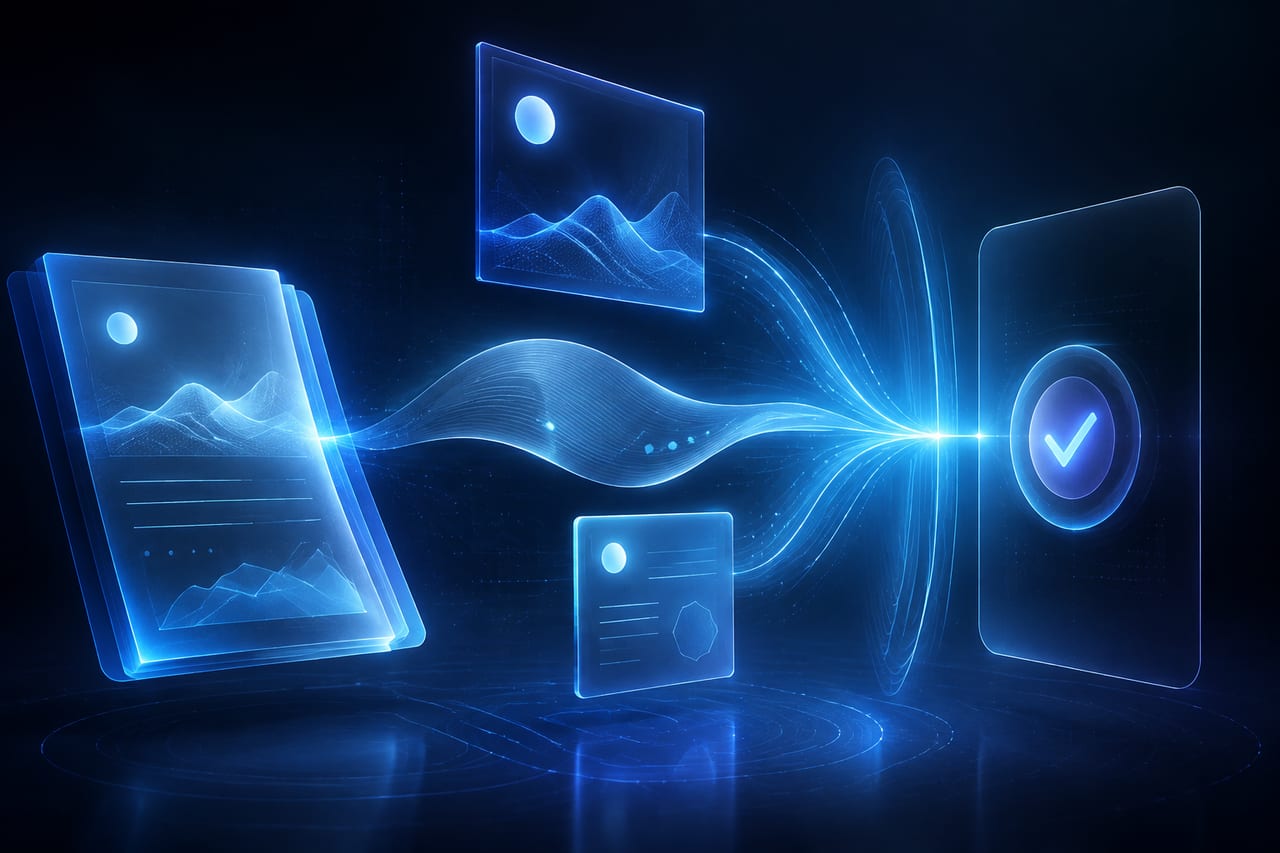
Is the cover image a quality test of GPT Image 2.5? No. It is an original concept illustration made for Werkverstand. It is not a product screenshot or evidence of Flare or Sunburst performance. Product claims are based on the official sources below, checked on September 8, 2026.
Keep it verifiable
Primary sources
- OpenAI: ChatGPT Images 2.5 announcementSource checked:
- OpenAI: September 8 ChatGPT release notesSource checked:
- OpenAI help: images, templates, Sketch and editorSource checked:
- OpenAI Docs: GPT Image 2.5 Flare and token ratesSource checked:
- OpenAI Docs: GPT Image 2.5 Sunburst and token ratesSource checked:
- OpenAI API changelog: September 8 model releaseSource checked: